
Introduction
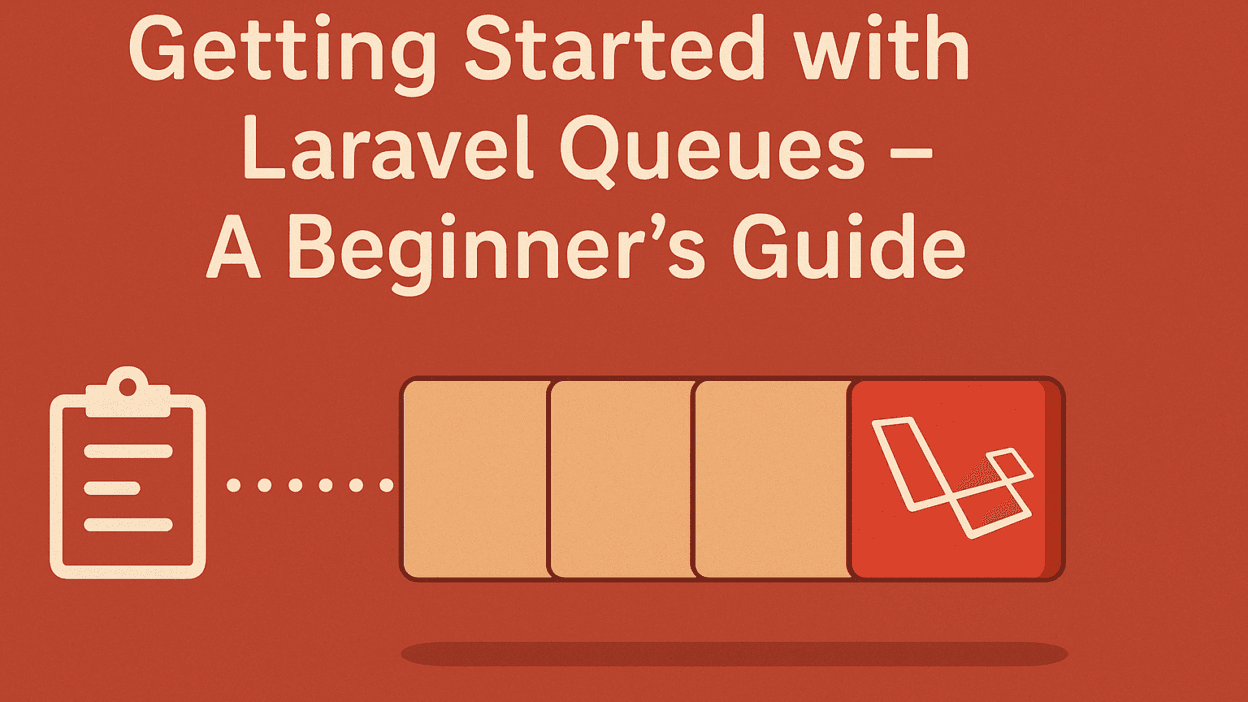
If your Laravel application needs to handle time-consuming tasks like sending emails, processing payments, or resizing images, queues can make a huge difference. Instead of keeping users waiting, Laravel pushes these jobs into a queue and processes them in the background.
In this tutorial, you’ll learn how to set up and use Laravel queues in just a few steps.
Step 1: Configure Queue Driver
By default, Laravel uses the sync driver (runs immediately). To use background queues, open .env and update:
QUEUE_CONNECTION=database
Then, create the necessary migration:
php artisan queue:table
php artisan migrate
Step 2: Create a Job
Generate a new job using Artisan:
php artisan make:job SendWelcomeEmail
Inside SendWelcomeEmail.php:
public function handle()
{
    Mail::to($this->user->email)->send(new WelcomeMail($this->user));
}
Step 3: Dispatch the Job
From a controller:
SendWelcomeEmail::dispatch($user);
Step 4: Run the Worker
Run this command to process jobs in real time:
php artisan queue:work
Conclusion
Queues help Laravel apps stay fast and responsive. With just a few commands, you can move heavy tasks to the background and keep users happy.