
Introduction
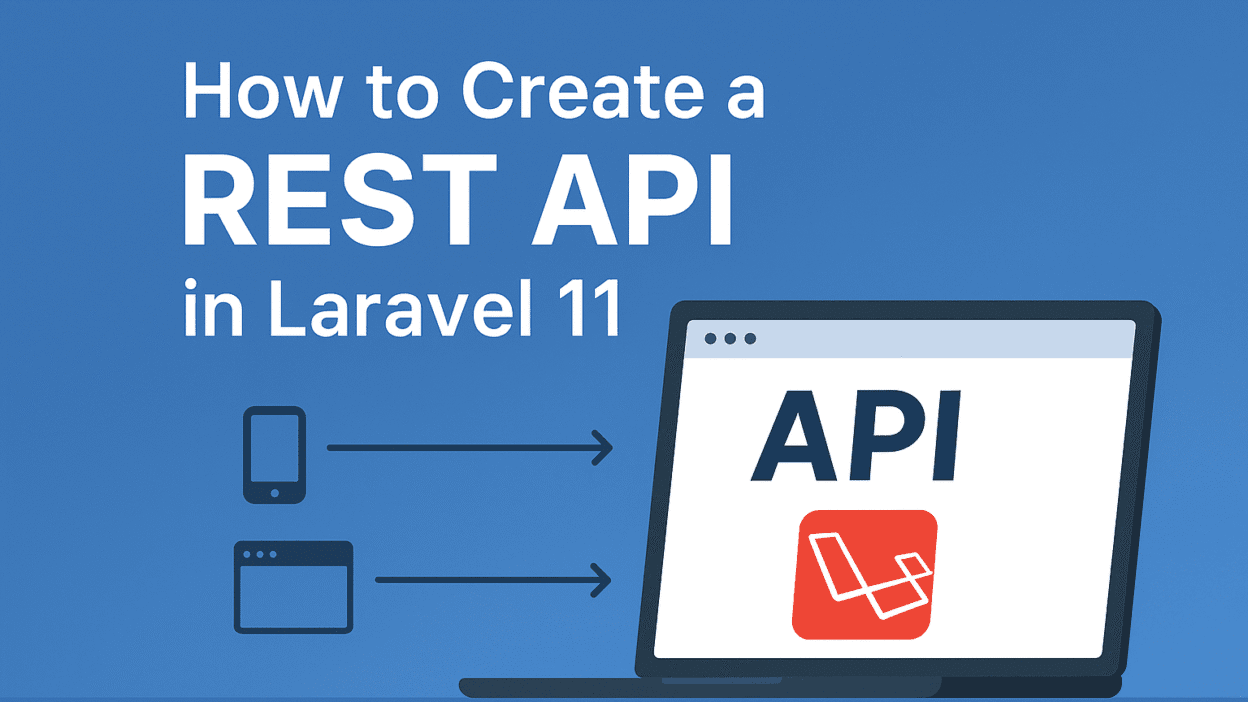
Laravel is one of the best frameworks for building REST APIs. In this guide, we’ll create a simple product API step by step.
Step 1: Create a Fresh Laravel Project
composer create-project laravel/laravel rest-api
Step 2: Create Product Model & Migration
php artisan make:model Product -m
Update database/migrations/xxxx_create_products_table.php:
$table->string('name');
$table->text('description');
$table->decimal('price', 8, 2);
Run migration:
php artisan migrate
Step 3: Build Controller
php artisan make:controller Api/ProductController --api
Example:
public function index() {
    return Product::all();
}

public function store(Request $request) {
    return Product::create($request->all());
}
Step 4: Define API Routes
routes/api.php
Route::apiResource('products', ProductController::class);
Step 5: Test API
Use Postman or curl:
GET /api/products
Conclusion
With these steps, you’ve created a fully functional REST API in Laravel 11. You can now connect it to a mobile app, React frontend, or even share it with third-party developers.